Diagnose plant problems. Know the next step. Keep caring with confidence.
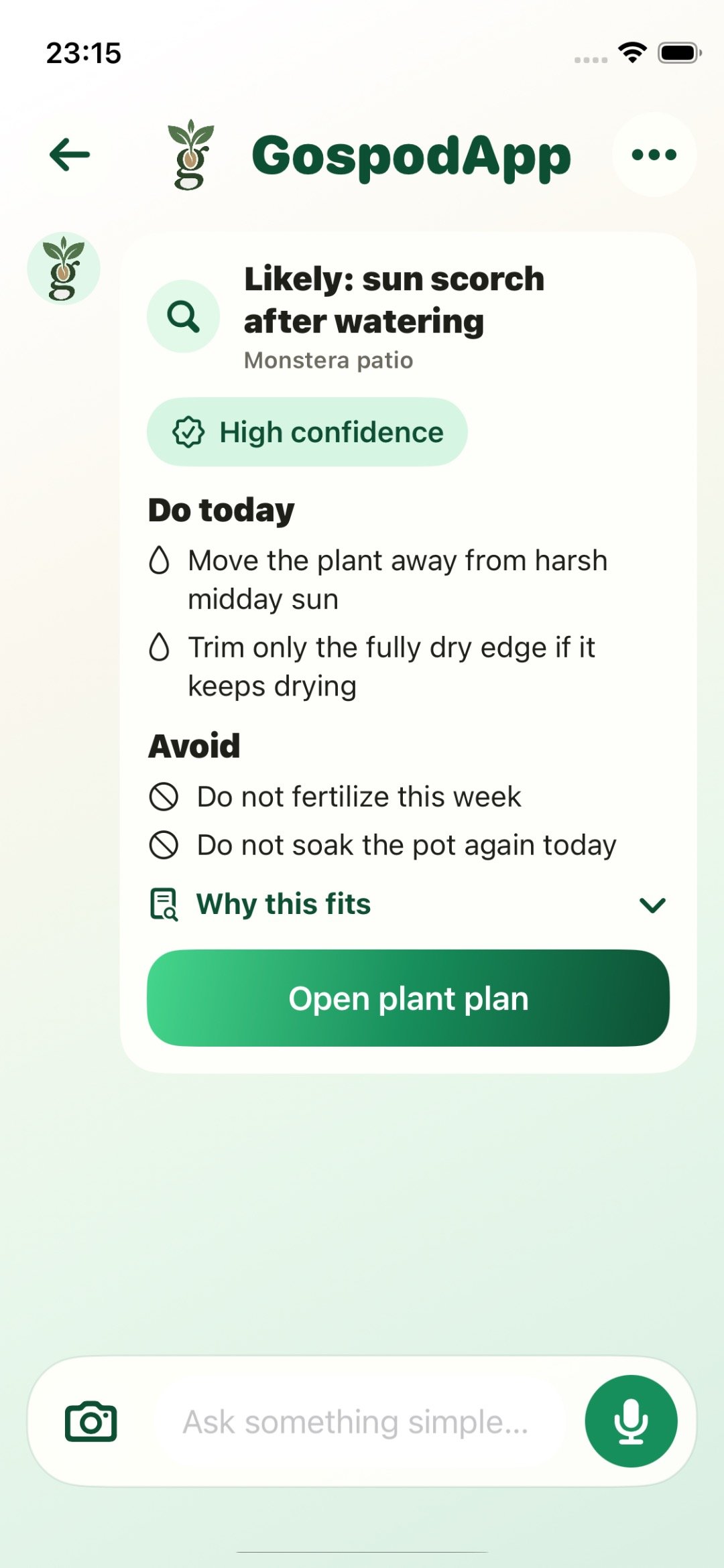
GospodApp turns symptom pages, practical guides, and the Android app into one clear funnel: understand what looks wrong, compare likely causes, and move into the app when you want help on the exact plant in front of you.
Diagnosis first, follow-up help second, saved context over time.
Give people the right depth at the right moment.
The homepage should not dump everything at once. It should move people from the first visible problem to the most useful next click.
Start from the symptom, not from a generic product page.
Yellow leaves, drooping, spots, powdery mildew, pests, or watering stress should each have their own clean entry point.
Compare symptoms Helpful depthUse guides when you want context before you act.
The article layer gives you seasonal context, crop-specific reading, and calmer first checks when you are not ready to scan yet.
Read the guide Install handoffMove into Android through one clear path when the guide stops being enough.
Every major CTA feeds the same tracked handoff so campaigns, landing pages, and article traffic all stay measurable.
Get it on Google PlayThe website should already feel helpful before the app even opens.
Search, social, and short-form traffic should land on a page that matches the problem immediately and gives a useful first move right away.
- One symptom or intent per landing page
- One clear CTA into Android
- Proof and context instead of vague promises
The product promise stays simple: diagnose, decide, keep caring.
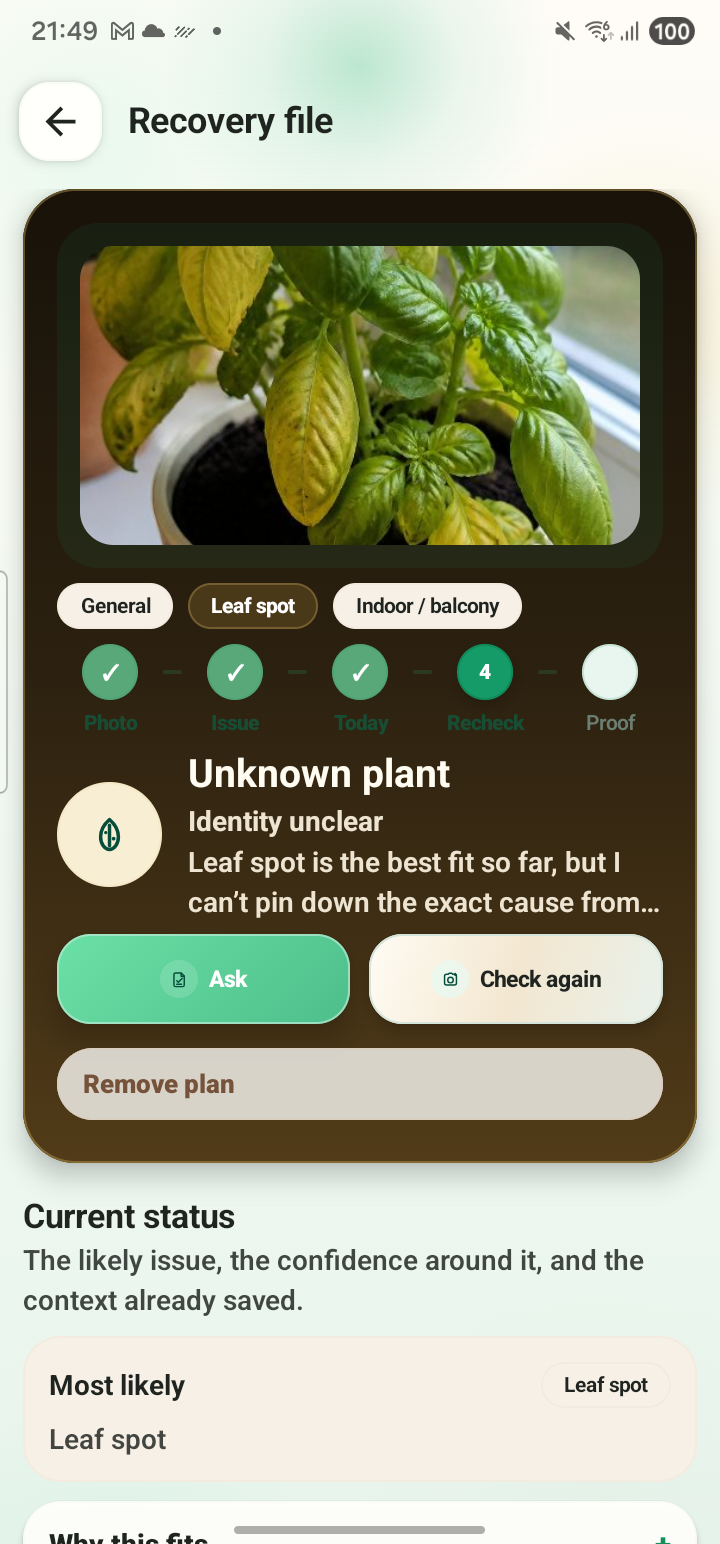
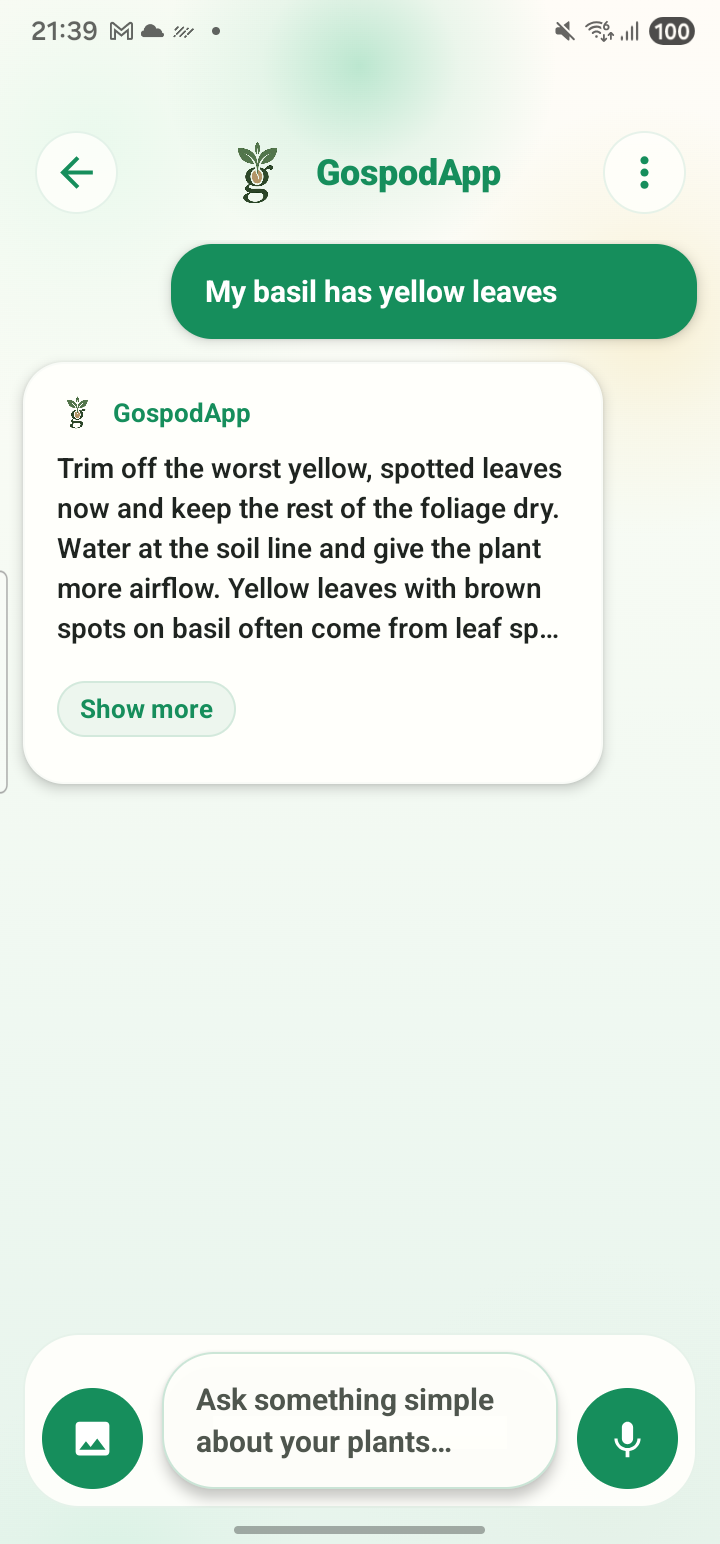
GospodApp is meant to stay useful after the first answer, with follow-up help, saved history, and practical care guidance you can return to later.
- Likely causes and next steps
- Follow-up help in chat
- Saved context for the same plant later
A tighter product story beats a broader promise.
The current app is strongest when the website reflects its real loop: diagnose, ask a follow-up question, save the plant context, and come back later with less guesswork.
Start from what the person can actually see on the plant.
Pain pages work best when they are narrow, useful, and obviously relevant to the exact symptom or intent that brought someone in.
What does this symptom usually mean, what should I check today, and when should I move into the app instead of guessing?
See all symptom pagesYellow leaves on a plant? Start by narrowing down the likely cause.
Yellowing is a symptom, not a diagnosis. The fastest way forward is to check where the yellow leaves appear, how fast the change happened, and whether the root zone is stressed.
Compare symptoms Brown tipsBrown leaf tips usually mean stress around water, salts, or air, not one single disease.
Start by looking at the watering pattern and the root zone. Brown tips are often the plant showing repeated stress before the rest of the leaf fails.
Compare symptoms Drooping leavesA drooping plant is asking for attention, but not always for more water.
Leaf droop can come from thirst, heat, root stress, transplant shock, or overwatering. The next move depends on what the soil and stems are doing too.
Compare symptoms Black spotsBlack spots usually need closer inspection before you decide whether it is fungal, mechanical, or just old tissue breaking down.
The pattern matters: scattered spots, ringed lesions, quick spread after rain, or blackening tied to the leaf edge all point to different causes.
Compare symptoms White powderA white powdery layer is one of the easier symptoms to spot, but the right response still depends on plant type, spread, and conditions.
What matters first is whether the white layer wipes off, how fast it is spreading, and whether the plant is crowded, humid, or already stressed.
Compare symptoms AphidsAphids often cluster on new growth, flower stems, and the undersides of softer leaves. The first useful step is to see how localized the problem still is.
Acting early helps. Once aphids multiply and distort new growth, plants lose energy and secondary problems follow more easily.
Compare symptomsKeep the article layer useful, searchable, and close to the app.
Articles should deepen understanding, answer search questions fast, and still lead cleanly back into diagnosis and install intent.
Growing tomatoes in the garden: a complete guide for beginners
Learn how to grow tomatoes in the garden: planting, watering, potting, fertilizing and disease prevention. Practical guide to healthy and tasty tomatoes.
Read the guideGrowing peppers in the garden: planting, watering and care
Practical guide to growing peppers in the garden: when to plant, how to water, how to care for them and what mistakes to avoid for a good harvest.
Read the guideGrowing cucumbers in the garden: a practical guide to a good harvest
Learn how to grow cucumbers in the garden: sowing, watering, vertical support, common diseases and tips for a bountiful harvest.
Read the guideCare of strawberries in the garden: watering, mulching and clean harvesting
Practical guide to caring for strawberries in the garden: how to water them, how to mulch them and what to do to have clean and tasty fruit.
Read the guideWhen the guide stops being enough, the next click should feel obvious.
Every major page on the site should lead into the same Android install handoff, with enough context and enough tracking to keep the funnel useful and measurable.